Notion Connector: Centralize Your Agency's Operations with Seamless Website and Notion Integration
Introduction
Welcome to the Notion Connector, the intelligent workspace integration tool for agencies and web professionals using your Website Builder alongside Notion. This connector seamlessly bridges your web design projects with Notion's powerful all-in-one workspace, automatically transforming website events into organized database entries for streamlined project management and team collaboration.
Key Features
- Dynamic Database Automation:
- Trigger:
Capture any website event including form submissions, e-commerce transactions, member registrations, and customer interactions.
- Action:
Automatically create and populate database items in Notion with rich, structured data from these website events.
- Intelligent Data Organization:
Transform unstructured website events into beautifully organized Notion database entries, complete with custom properties, tags, and relationships that match your workflow.
- Custom Property Mapping:
Map website form fields and event data to specific Notion database properties, ensuring every piece of information lands exactly where it belongs in your workspace.
- Multi-Database Support:
Route different website events to various Notion databases - send leads to your CRM database, orders to fulfillment tracking, and support requests to your ticket system, all automatically.
How It Works
- Connect Notion to your website
Install the Notion Connector and authenticate with your Notion workspace to establish the connection between your website and Notion databases.
- Configure Your Database Scenarios
Select from pre-built scenarios like Lead Capture to CRM Database, Order Tracking System, or Customer Feedback Collection. Create custom scenarios tailored to your unique workspace structure.
- Define Event-to-Database Mapping
Choose which website events trigger database entries and specify which Notion database should receive the data.
- Customize Property Fields
Map website data fields to Notion database properties, including text, numbers, dates, tags, checkboxes, and relations to other databases.
Real-World Applications
Lead Management System:
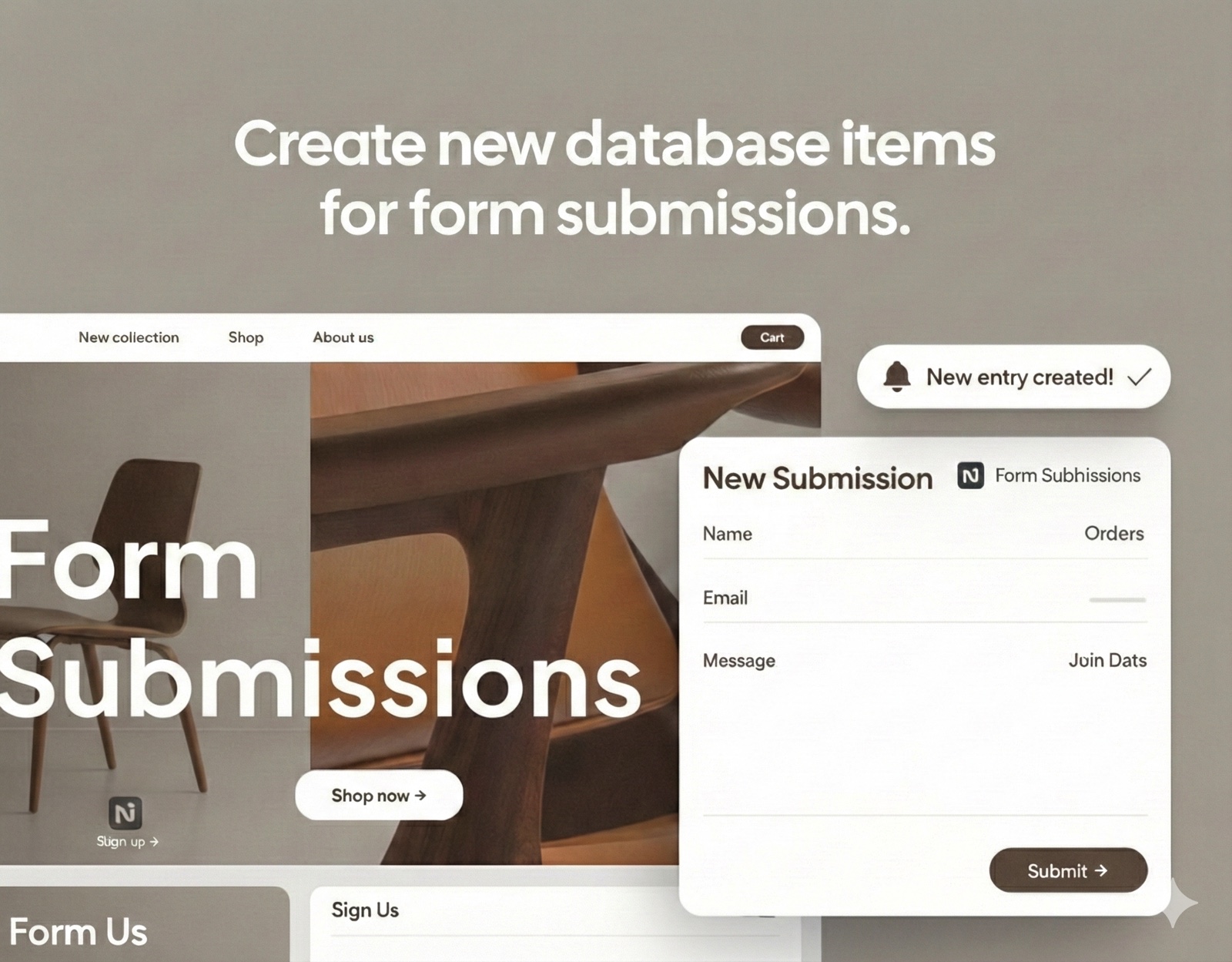
When a visitor submits a contact form on your website, the Notion Connector automatically creates a detailed entry in your leads database with contact information, inquiry type, source page, and timestamp. Your team receives instant visibility into new opportunities, with automatic status tracking and assignment capabilities.
E-commerce Order Tracking:
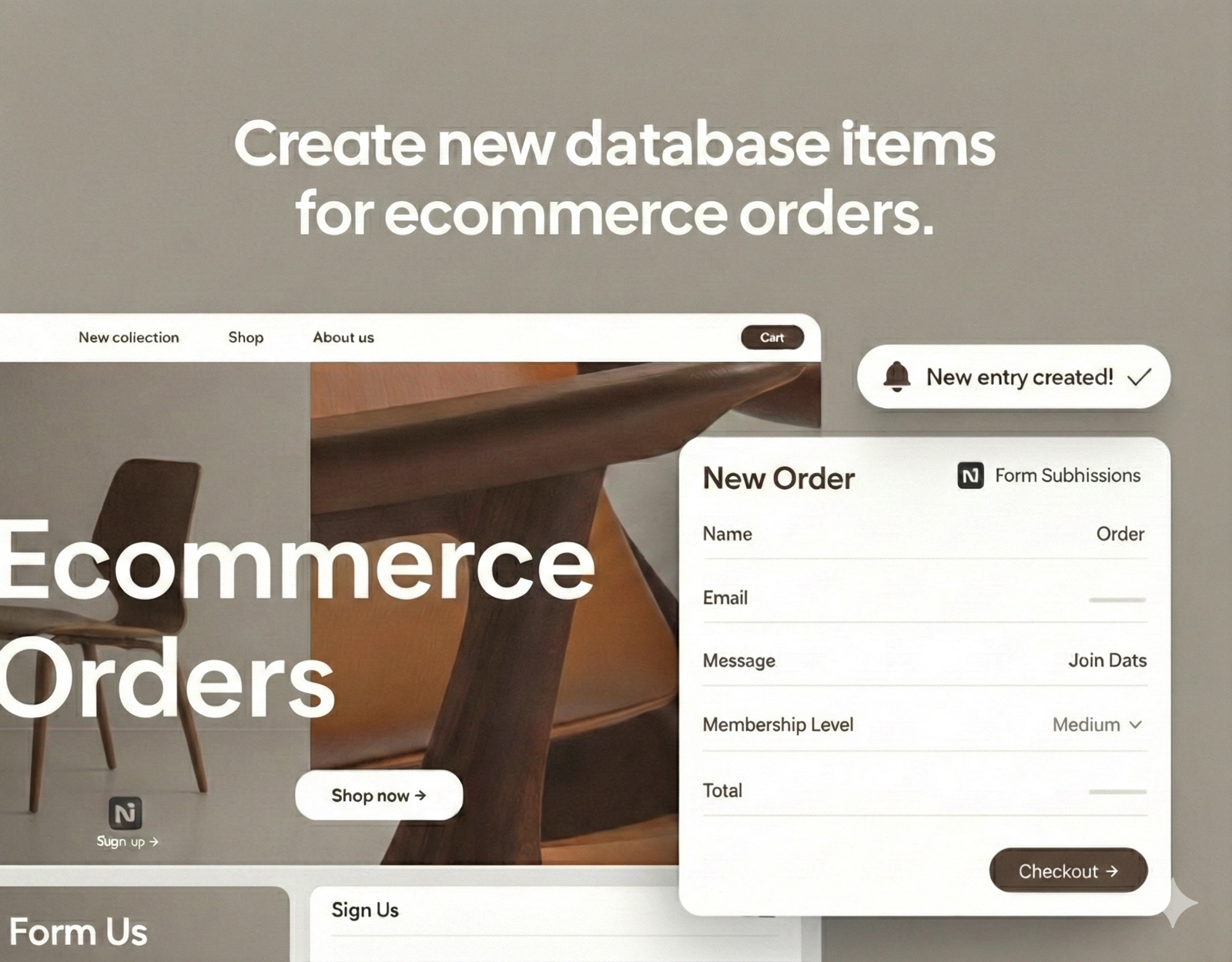
Each new order on your website generates a comprehensive database item in Notion containing customer details, products purchased, order value, and fulfillment status. Your operations team can manage the entire order lifecycle within Notion's familiar interface, with automatic updates as orders progress.
Content Feedback Hub:
Blog comments, product reviews, and survey responses from your website automatically populate a feedback database in Notion, tagged by type and sentiment. This creates a centralized repository for customer insights that your team can analyze, respond to, and act upon.
Project Request Pipeline:
Service request forms on your website instantly create project entries in your Notion workspace, complete with requirements, budgets, and deadlines, kickstarting your project management workflow without manual data entry.
Empower Your Agency
With the Notion Connector, your agency can build a truly connected workspace where website data flows seamlessly into your operational hub. Eliminate information silos, reduce manual data entry, and ensure your entire team has real-time access to critical business information.
Get started today and transform how you capture and organize website data with the Notion Connector!