QuickBooks Connector: Streamline Your Agency's Financial Management with Seamless Website and QuickBooks Integration
Introduction
Welcome to the QuickBooks Connector, the essential financial automation tool for agencies and web professionals using your Website Builder alongside QuickBooks. This connector seamlessly integrates your web design projects with QuickBooks' comprehensive accounting capabilities, creating a vital bridge between your e-commerce activities and financial management system.
Key Features
- Automated Financial Workflow:
- Trigger:
Automatically capture financial events from your website including e-commerce orders, payment processing, and customer registrations.
- Action:
Execute QuickBooks operations such as creating invoices, recording sales receipts, and adding new customers, triggered instantly by website transactions.
- Real-Time Transaction Syncing:
Ensure your financial records are always current with automatic, real-time synchronization of sales data between your website and QuickBooks, eliminating manual data entry and reducing errors.
- Intelligent Customer Management:
Automatically create and update customer profiles in QuickBooks with detailed information from website transactions, building a comprehensive financial database of your client base.
- Comprehensive Order Mapping:
Transfer complete order details including products, quantities, taxes, shipping costs, and discounts directly into QuickBooks, maintaining accurate financial records for every transaction.
How It Works
- Connect QuickBooks to your website
Install the QuickBooks Connector and authenticate with your QuickBooks account to establish a secure connection between your website and accounting system.
- Configure Your Accounting Scenarios
Choose from pre-configured scenarios like Create Invoice from Order, Add New Customer from Purchase, or Record Sales Receipt. Customize scenarios to match your specific accounting workflow.
- Define Data Mapping Rules
Set up precise field mapping to ensure order information, customer details, and product data transfer correctly into your QuickBooks chart of accounts and item lists.
- Customize Synchronization Settings
Configure automatic sync preferences, tax calculations, and customer categorization rules to align with your accounting practices.
Real-World Applications
E-commerce Order Processing:
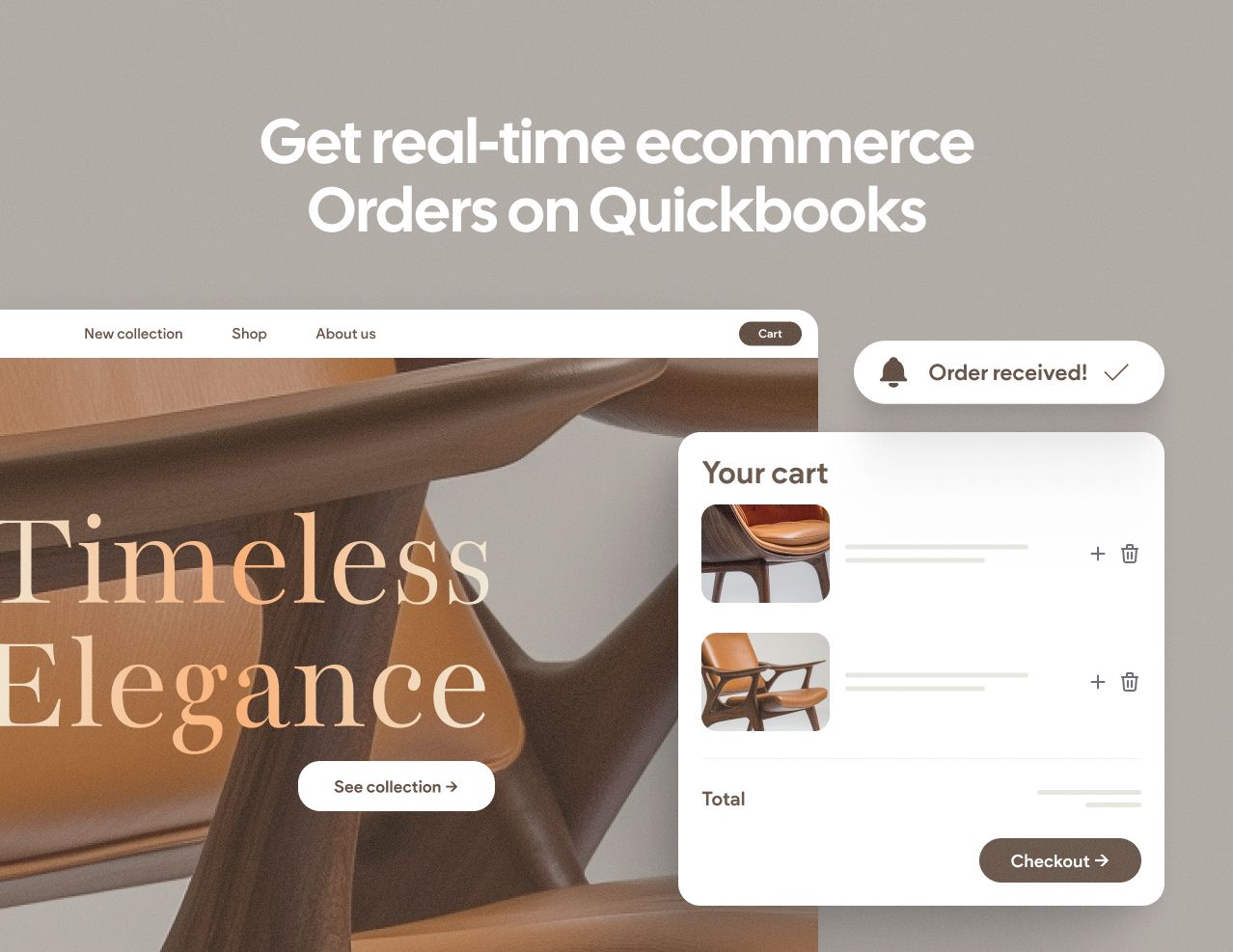
When a customer completes a purchase on your website, the QuickBooks Connector automatically creates a sales receipt in QuickBooks with complete order details, applies the correct tax rates, and records the payment method. If it's a new customer, their profile is simultaneously created with billing and shipping information, instantly updating your accounts receivable.
Customer Database Building:
A first-time buyer makes a purchase on your website. The connector not only records the transaction but also creates a comprehensive customer profile in QuickBooks, including contact information, purchase history, and payment preferences, enabling better financial reporting and customer lifetime value tracking.
Inventory and Revenue Tracking:
Each website sale automatically updates your QuickBooks inventory levels and revenue reports, providing real-time insights into your business performance without manual reconciliation.
Empower Your Agency
With the QuickBooks Connector, your agency can eliminate hours of manual bookkeeping, reduce accounting errors, and gain instant financial visibility. Focus on growing your business while maintaining impeccable financial records through intelligent automation.
Get started today and transform your financial management workflow with the QuickBooks Connector!